quvyta-framework
qframe
A Rust framework for terminal applications. It gives you the runtime, a set of widgets, and theme, icon and language files, with one visual rule: shape comes from colour, never from bracket or box-drawing characters.
cargo add quvyta-frameworkA minimal application
Data, a view that draws it, an update that changes it.
The runtime turns keys and clicks into messages and redraws only when something has changed. The package is named quvyta-framework and its library qframe, so code imports it as use qframe::prelude::*;.
The same application runs in the tests with no terminal at all: press keys, click, and read the screen back as text.
Text shown to people belongs in language files, read with t!("key"); the example uses plain strings to stay short. Rust 1.95 or later.
use qframe::prelude::*;

#[derive(Default)]
struct Counter {
    count: i32,
}

#[derive(Clone)]
enum Msg {
    Increment,
}

impl App for Counter {
    type Msg = Msg;

    fn update(&mut self, msg: Msg) -> Command<Msg> {
        match msg {
            Msg::Increment => self.count += 1,
        }
        Command::none()
    }

    fn view(&self, ui: &mut View<'_, Msg>) {
        ui.column(|ui| {
            ui.add(Text::new(format!("Count: {}", self.count)));
            ui.add(Button::new("Add one").variant("primary").on_press(Msg::Increment));
        })
        .gap(1);
    }
}

// Tests drive the same application without a terminal.
let mut app = Harness::new(Counter::default(), 30, 4);
app.press("tab").press("enter");
assert!(app.screen().contains("Count: 1"));
What comes with it
Everything a careful terminal app needs.
- Widgets
Buttons, lists, trees, tables, tabs, forms and wizards, date, time and duration inputs, file and folder pickers, menus, toasts, tooltips, a command palette, charts, Markdown, code and log views, and a terminal.
- Themes
Iris, Nordic, Amber and Monochrome. Every colour comes from the theme, so a whole app changes with one setting.
- Icons in three modes
Nerd Font, plain Unicode and ASCII. Each glyph is exactly one cell in every mode.
- Nine languages
English, Turkish, German, Spanish, French, Brazilian Portuguese, Russian, Simplified Chinese and Japanese, for every component; your app's words live beside them.
- Keyboard and mouse
Every control answers both, with the same tone ladder: resting, hovered, focused, pressed.
- Motion that whispers
Durations come from the theme, and reduced motion is respected everywhere.
Four themes
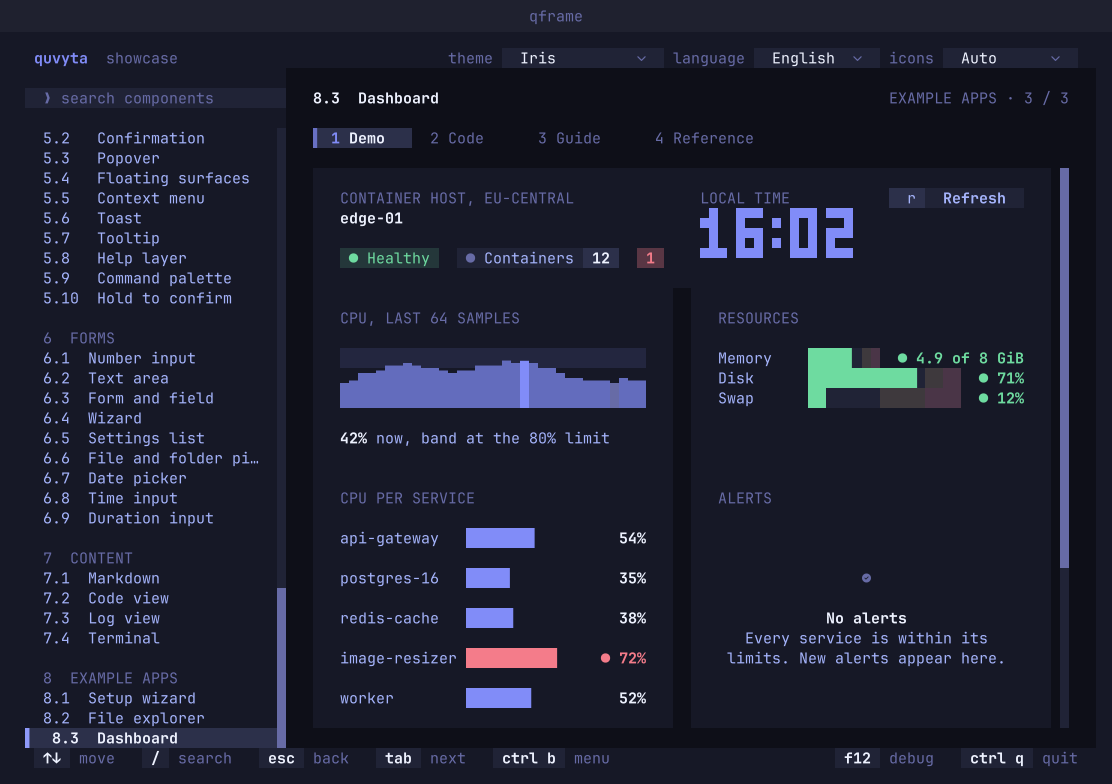
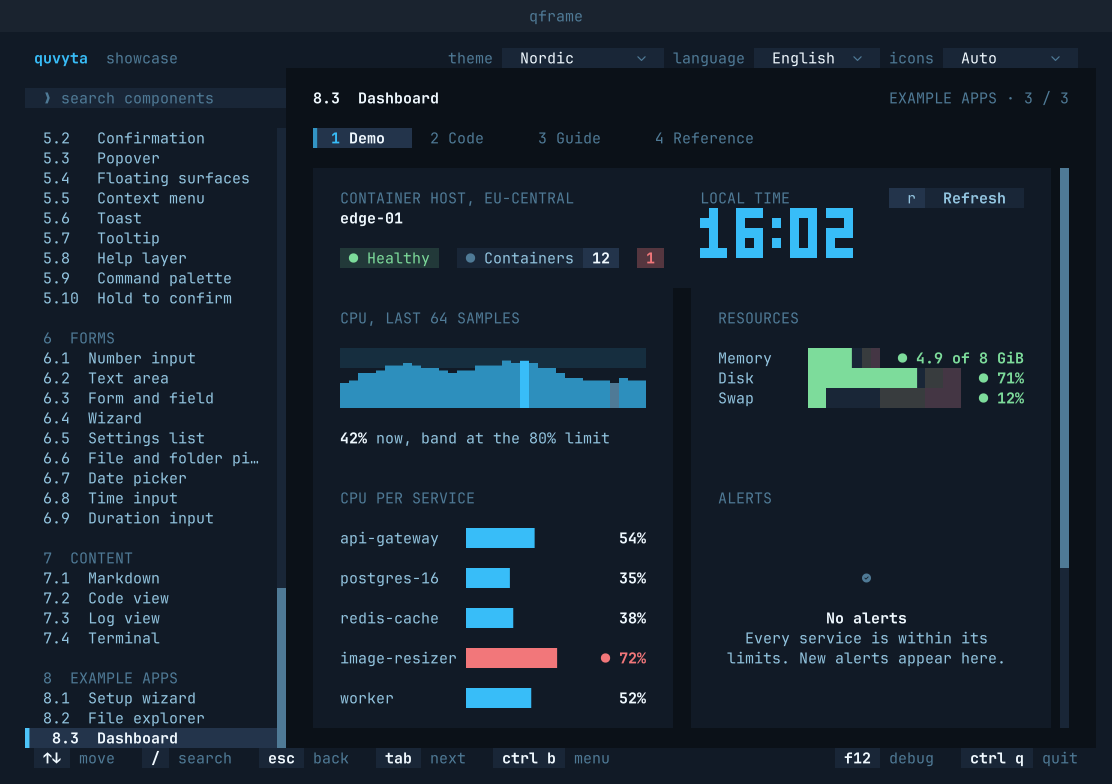
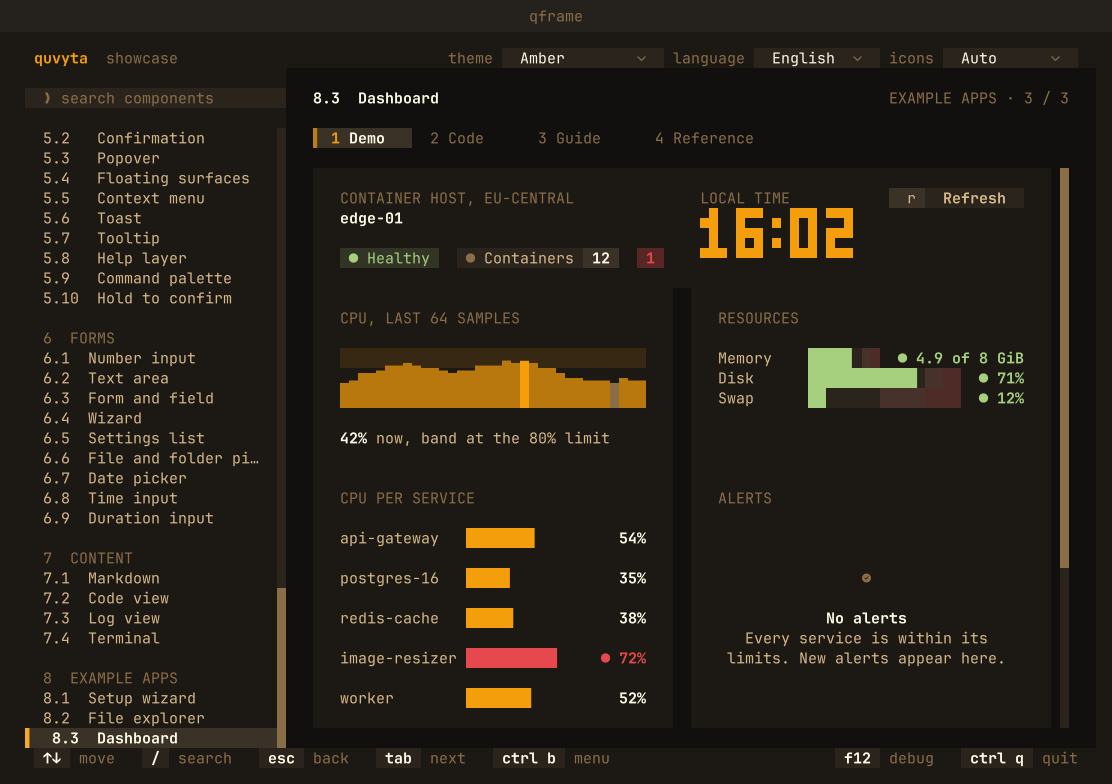
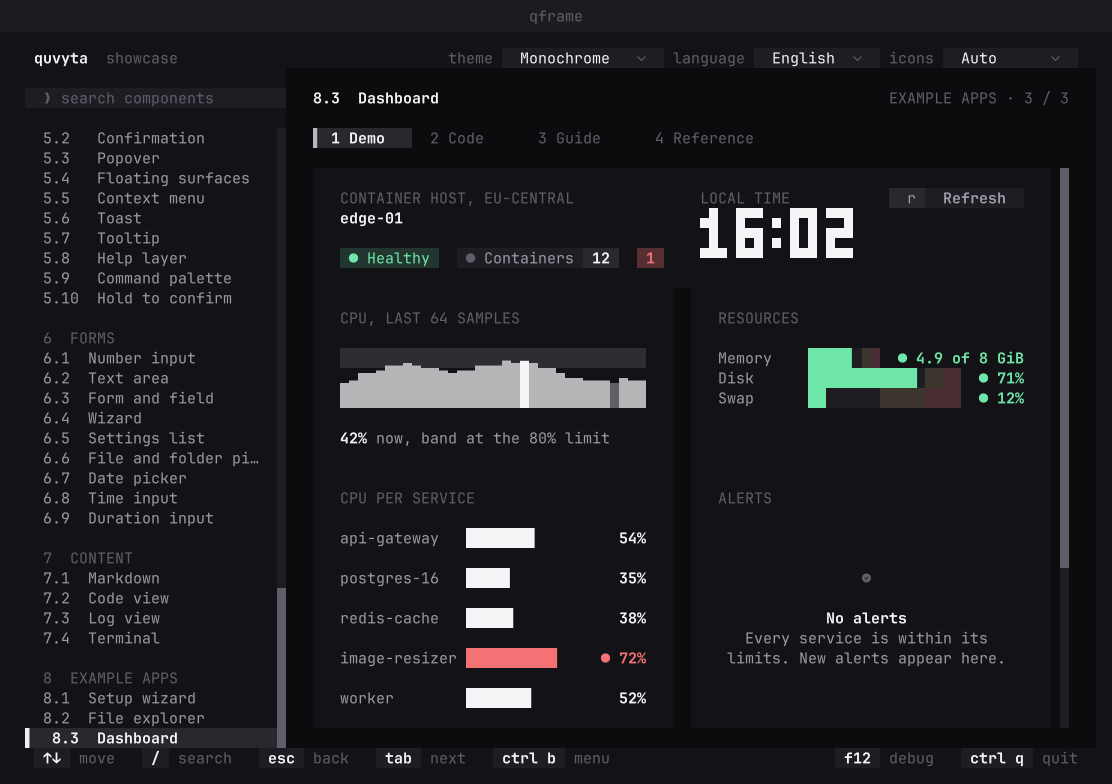
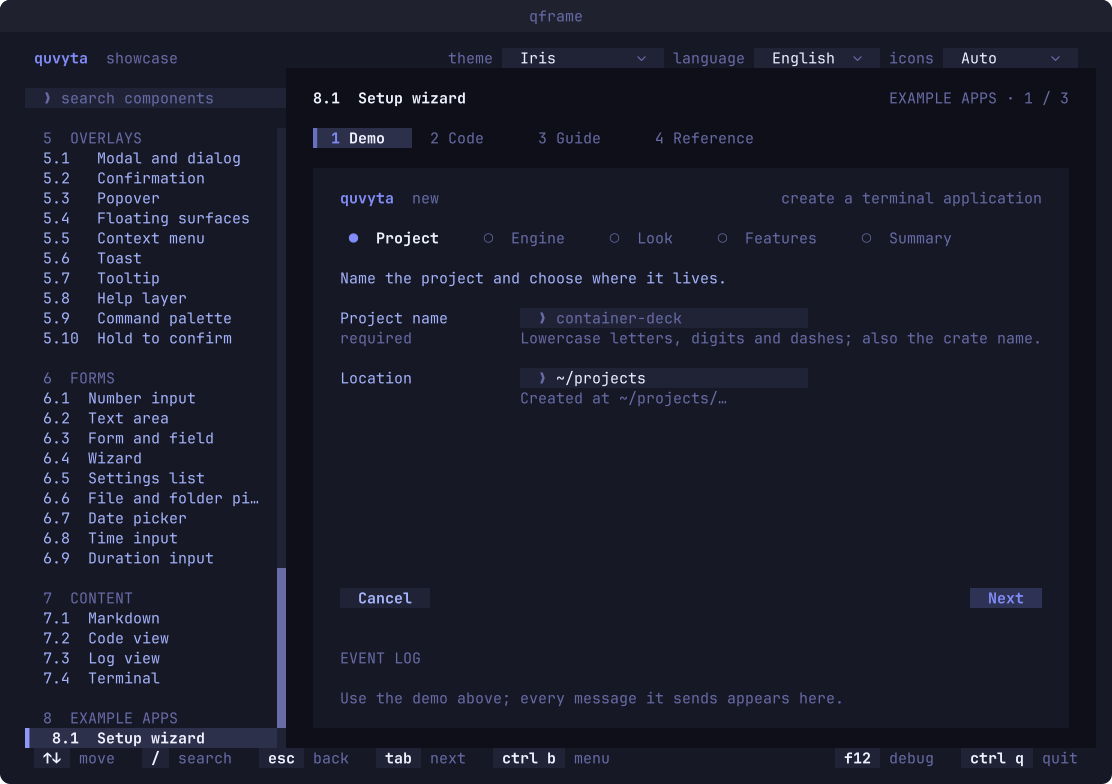
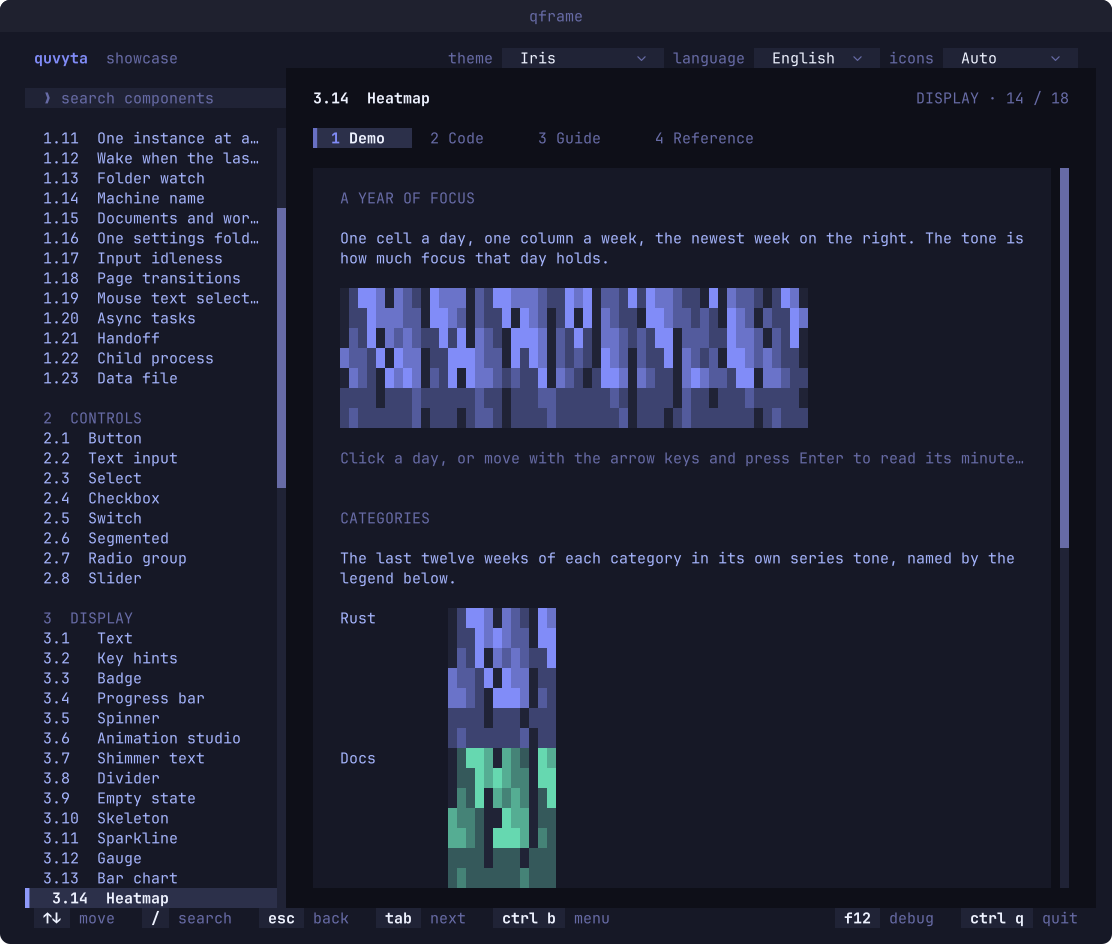
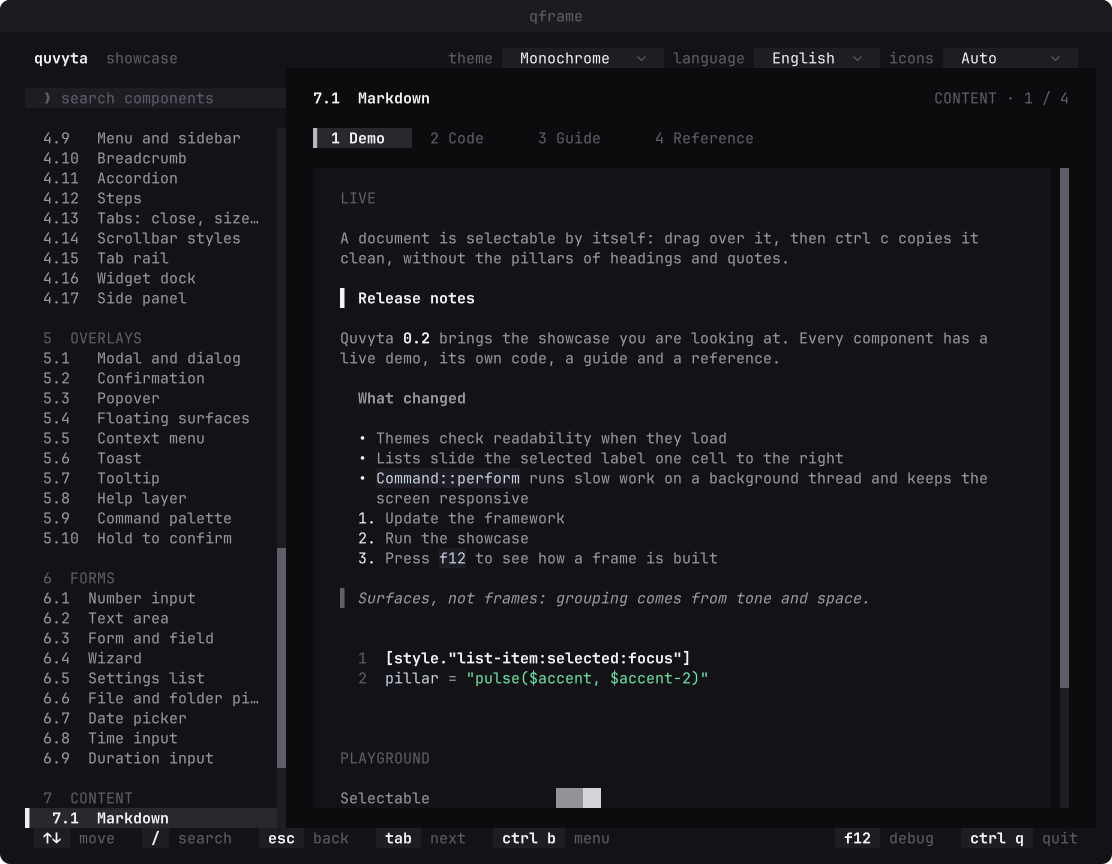
The same screen, in four themes.
Every colour comes from the theme, so a whole application changes with one setting. Pick one below and the same dashboard takes its colours; the switch is four radio buttons and no script at all.
The showcase
A page for every component.
Install the showcase and run qframe: every component has a live demo, its code, a guide and a reference. Every picture on this page is one of its test screens, drawn without a terminal.
cargo install quvyta-framework-showcase && qframe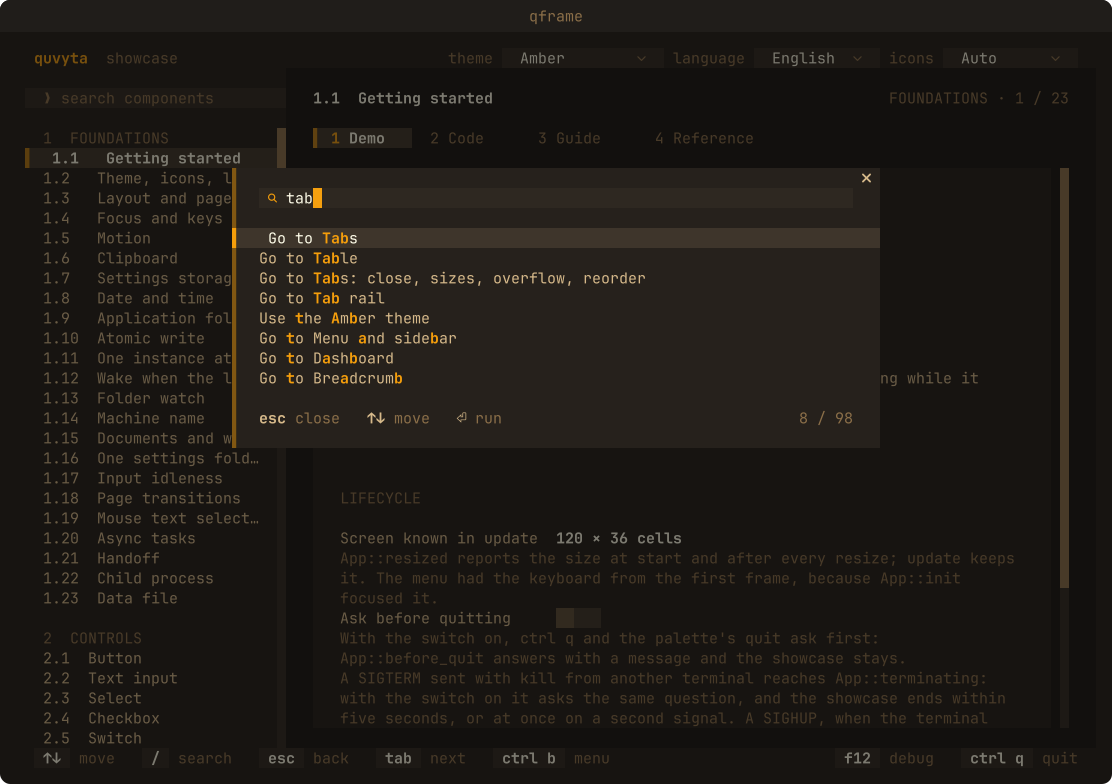
Documentation
Where to read more.
- API documentation on docs.rs
Every public item, documented in English.
- The repository
The library, the showcase, and the design principles behind them.