quvyta-code
qcode
Coding agents inside containers, from the terminal. Set up a profile once, sign it in, and from then on open that agent in any of your workspaces in a few seconds, moving between agents and shells the way you move between tabs.
curl -fsSL https://raw.githubusercontent.com/quvyta/quvyta/main/install.sh | sh -s -- codeBeta. qcode works on Linux with both Podman and Docker. The interface, the files it writes and the names of its images and containers may still change between releases.

The agents it runs
Bring the agent you already pay for.
| Agent | Signs in with |
|---|---|
| Claude Code | a subscription, an API key or a provider of your own |
| opencode | no account, a subscription, an API key or a provider of your own |
| Gemini CLI | an API key |
| Codex CLI | a subscription or an API key |
| Antigravity IDE | its own Google sign-in, in a window inside its container |
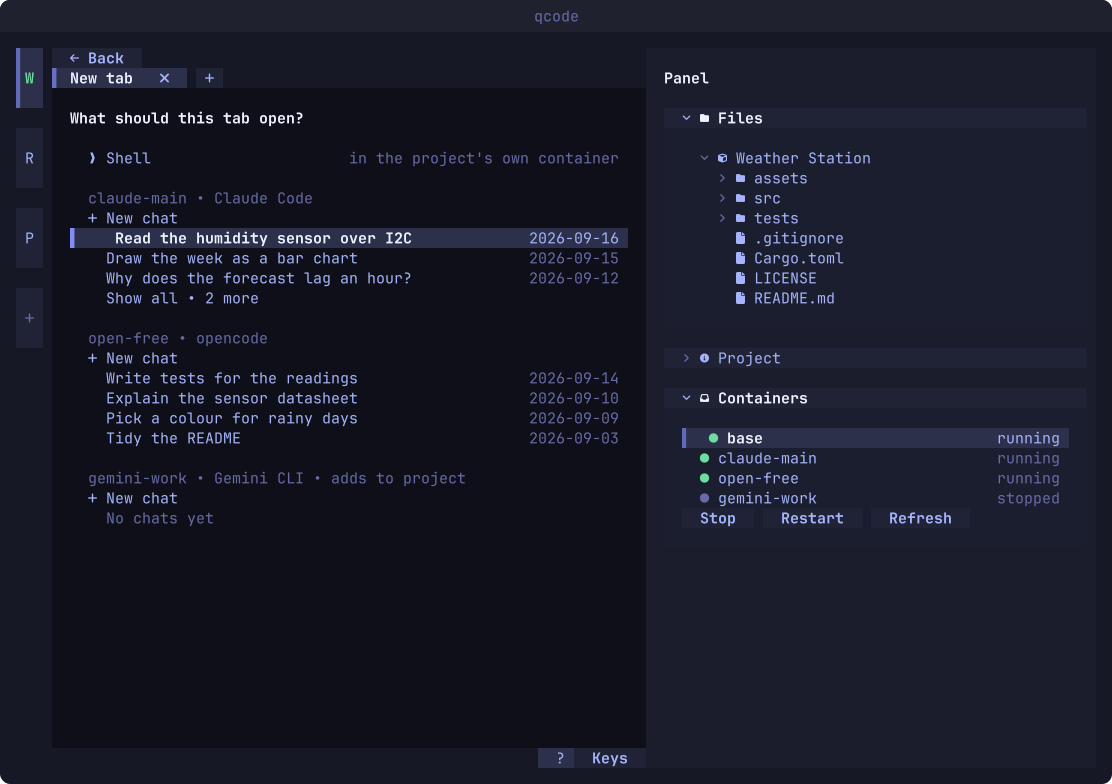
Each agent is installed from what its makers publish when a profile's image is built; qcode does not ship or change any of them. The command-line agents can pick up a conversation from qcode's new-tab list. Antigravity IDE is a desktop application: its window opens from a container of its own, and its tab shows where the window stands. Its sign-in page opens in a small window inside that container, so Google's answer comes back and the sign-in completes; you sign in to Google once for each profile.
The approach
The container is what keeps the work apart.
- A container per agent
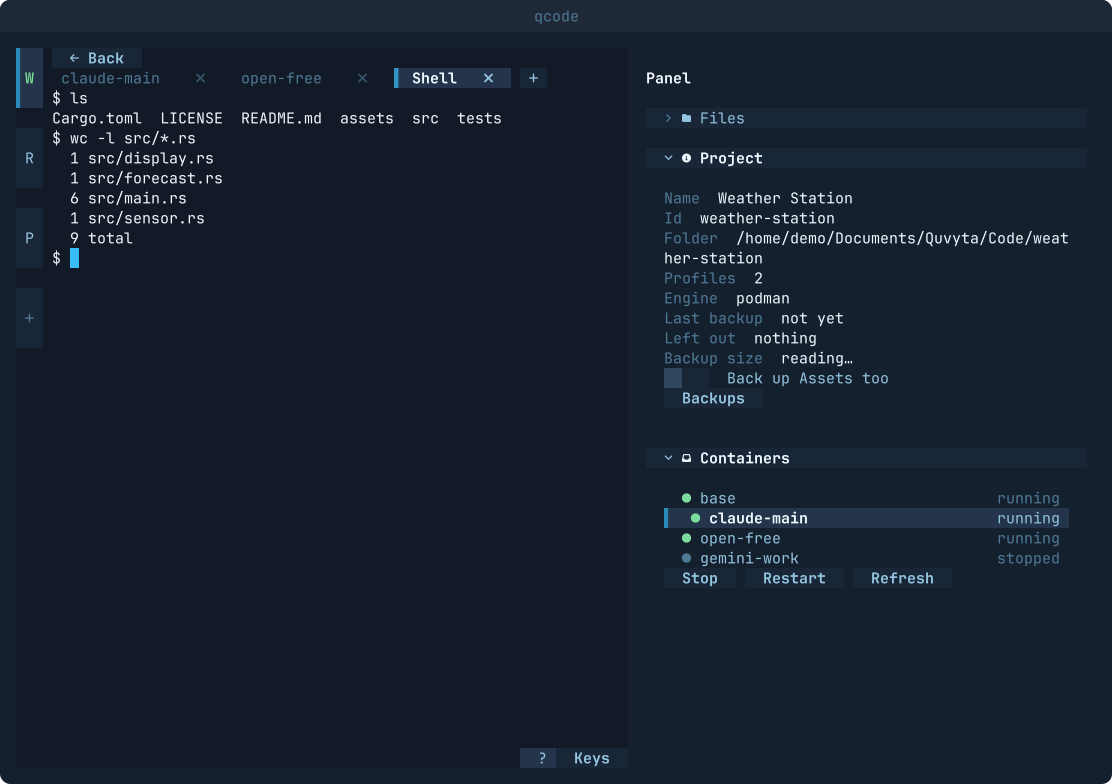
Each agent runs in a container built from an image made for it. It sees the workspace's folder and, if you allow it, the workspace's assets folder and the network.
- Free to work
Because the container keeps the work away from your machine, the agent is set up to work without stopping to ask for permission.
- One login, a copy per workspace
A profile signs in through the agent's own flow, once. Each workspace gets its own copy of the login, so chat history, memory and settings never leak from one workspace into another.
- Stopped when you are done
When the last qcode closes, the containers it started stop. An optional background service does the same after a crash. Containers you started yourself are never touched.
- Podman or Docker
Either engine works. qcode finds it and says when it is missing or not running. With neither on the machine, the first-run wizard offers to install one: it shows the command for your system, and either you run it yourself or qcode runs that same command in a terminal inside the wizard while you watch. qcode never raises its own rights. When the engine refuses for a reason qcode knows, such as a service that is not running or an account missing from the docker group, you read a plain sentence and the line that fixes it, with the engine's own words underneath.
- Change engines, keep your things
Switch between Podman and Docker in Settings, or let qcode notice that the saved engine no longer answers and the other one does: a page lists the profiles whose images the new engine lacks, each with Build, and offers to copy each profile's home, where its settings and sign-ins live. Nothing is deleted from the old engine, so you can go back. A tab whose image is missing says so and offers Build it now, shows the build, and opens when it is done.
- The system under the agent
A profile's image is built on Debian, the default and the recommended one, or on Arch Linux, Ubuntu 24.04 LTS or Alpine, and the wizard shows the size of each. Alpine is the smallest and is marked not recommended: it is built on musl rather than glibc, so Gemini CLI does not run on it. Antigravity IDE is built on Debian only. Where a system lacks a tool, the wizard says so; files you open from the tree still open in the workspace's own Debian container, so nothing changes there.
- Nothing extra on your machine
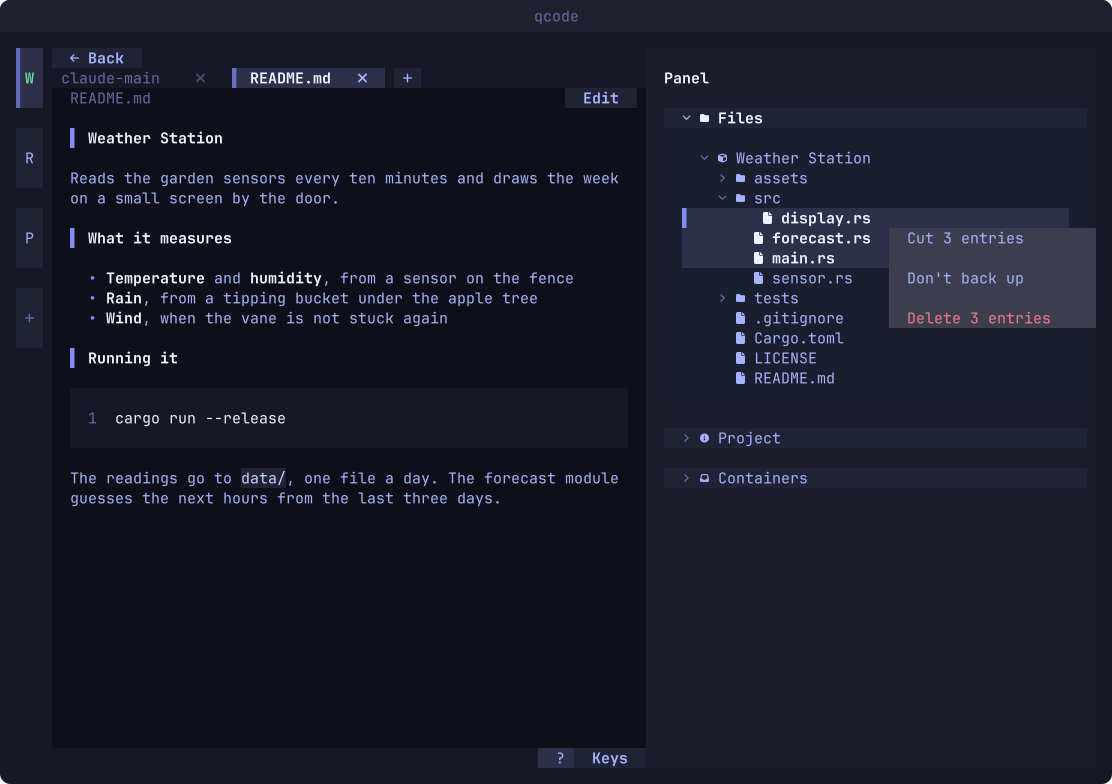
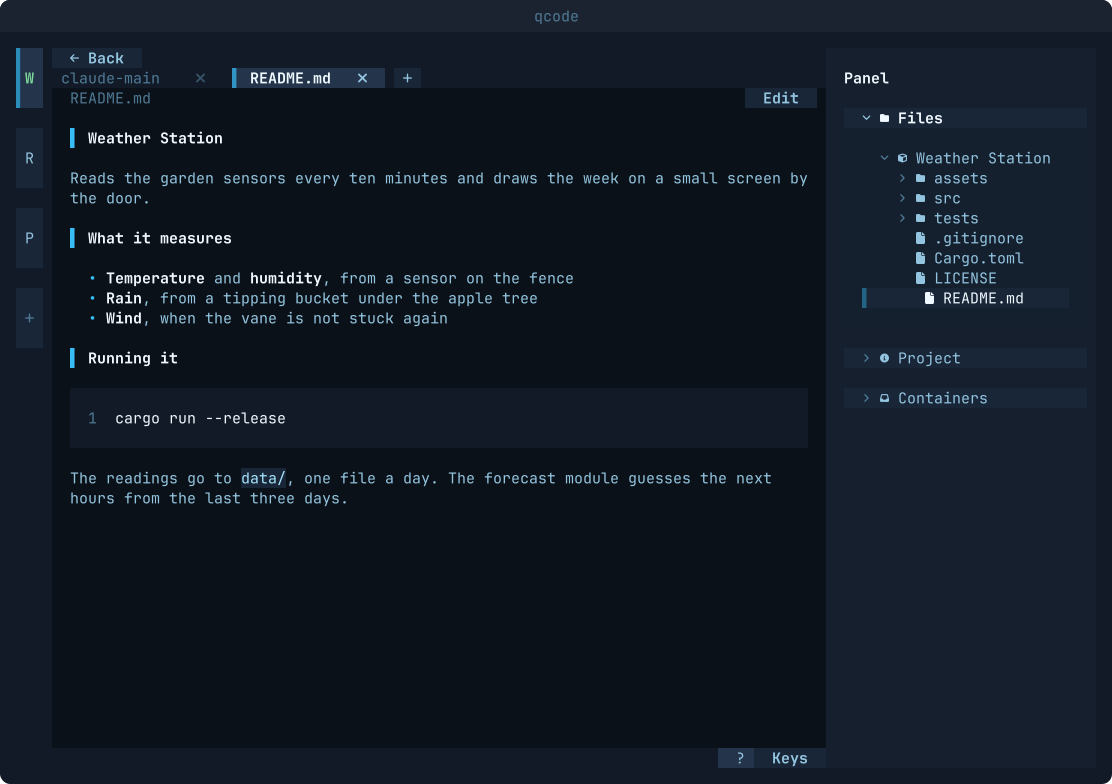
A git address is cloned inside a container, and files open in the workspace's own small base container, so neither git nor an editor has to be installed.
- Tabs that give each other work
An agent in one tab can see the other tabs of its workspace and give one of them a task. The message is typed into that agent's own prompt as soon as nobody is typing there and the agent has stopped writing, with the sending tab named; this was watched working with Claude Code and opencode. Antigravity IDE can give the tabs work but cannot be given any, because its window has no prompt to type into. Messages go from tab to tab without asking you; Ask before the first message, under Messages between tabs in Settings, brings the question back. Whatever you choose, a tab without the network never sends to one that has it, and an exchange between tabs has an end, so two agents cannot answer each other forever; when one ends, both tabs say so.
- A provider of your own
On the Providers page you add the model services you already have, an ollama server on your own network or OpenRouter, try the connection and read back the models each one offers. A Claude Code or opencode profile can then run on one of them. The key never enters the container: the tab talks to the provider through a relay qcode runs on your machine, so even a container with no network can use a model server on yours. The key is kept in a file only you can read, and the page says where.
- The room a server really gives
A model's record may promise more room than the server really accepts, and a server that quietly drops the front of a long prompt makes an agent look forgetful for no visible reason. qcode measures what the server really takes, shows it beside what the model claims, and tells the agent the measured size.
- QCode basic and QCode high
Two ready-made setups for a profile. QCode basic, the recommended one, sets the agent up the way qcode runs it, so a new tab opens straight at its prompt. QCode high adds graphify (a map of your code the agent consults before it reads files), chosen plugins for Claude Code, oh-my-openagent for opencode, and a short section in each agent's instruction file on how to reach the other tabs, leaving the rest of that file as it was. Each part can be switched off, and the wizard says what will be downloaded.
- What it sends, and when
qcode keeps no statistics and sends nothing about you or your work. It asks one question of its own accord: at start, at most once a day, it asks crates.io for the newest published qcode, and says so when yours is older. The request carries the package name and your qcode's version, nothing about you or your machine. It is on by default, and Say when an update is out, in Settings, turns it off for every Quvyta application at once; while it is off, nothing is asked. Apart from that, qcode reaches the network itself only after you add a provider, and only to that provider: when you press a button on the Providers page, or while a tab running on it is open. Measuring a window sends a few prompts, which a paid provider charges for. The agents talk to their makers as they always do, and building an image downloads what the image is made of.
- Nine languages
Every word on screen comes from a language file, in the same nine languages as this site. qcode asks for yours on its first screen, and Settings changes it.
Screens
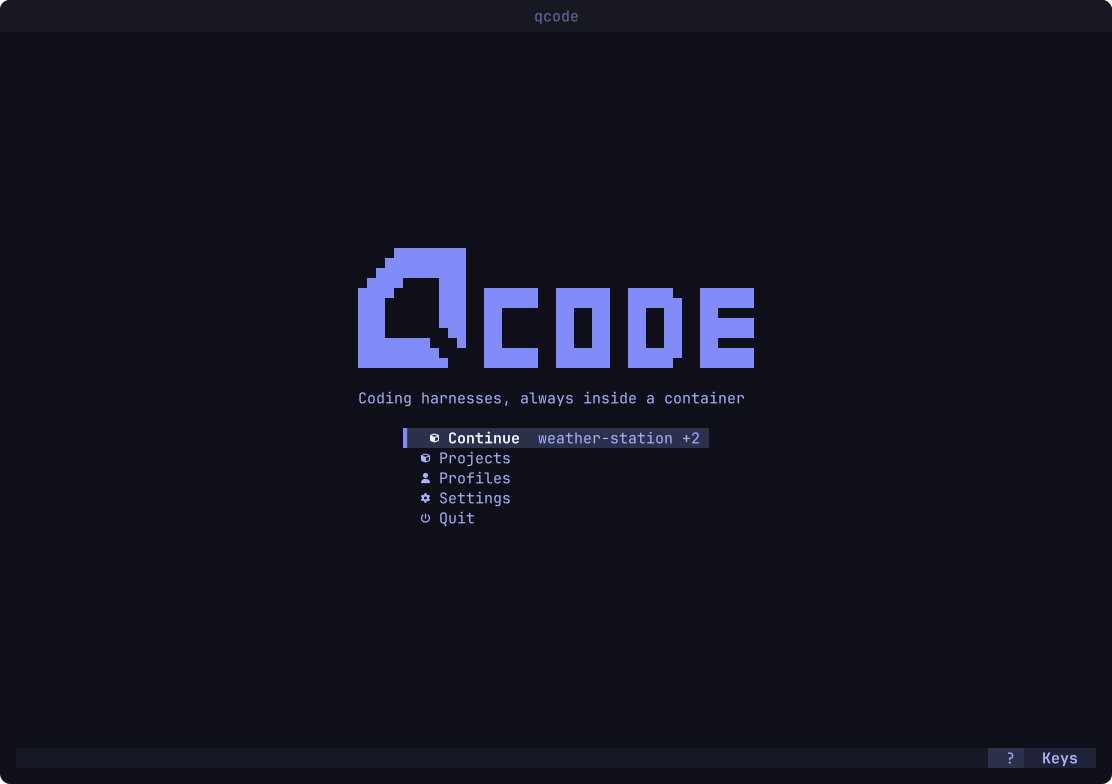
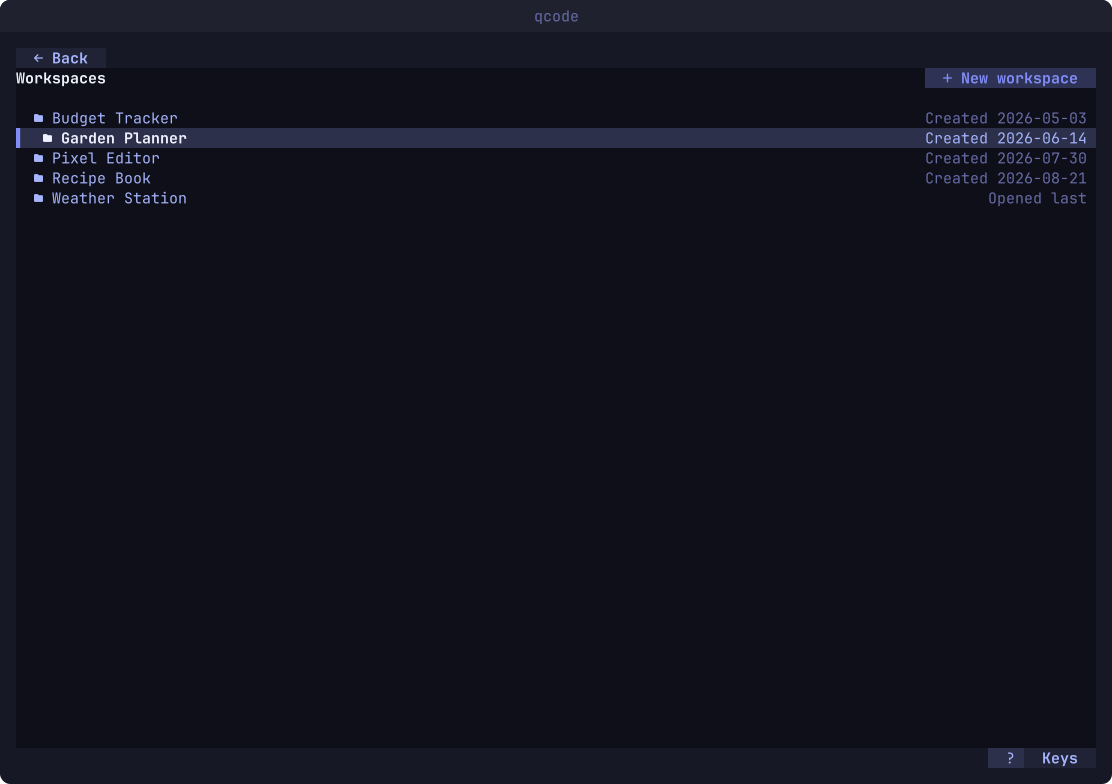
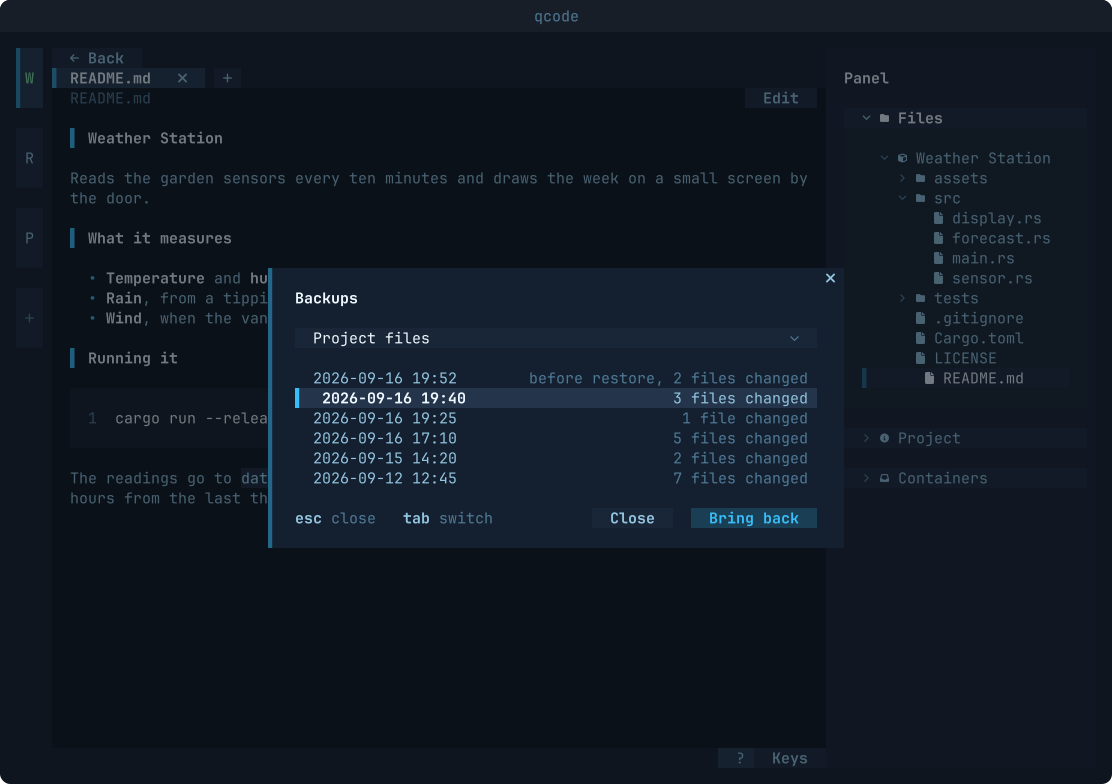
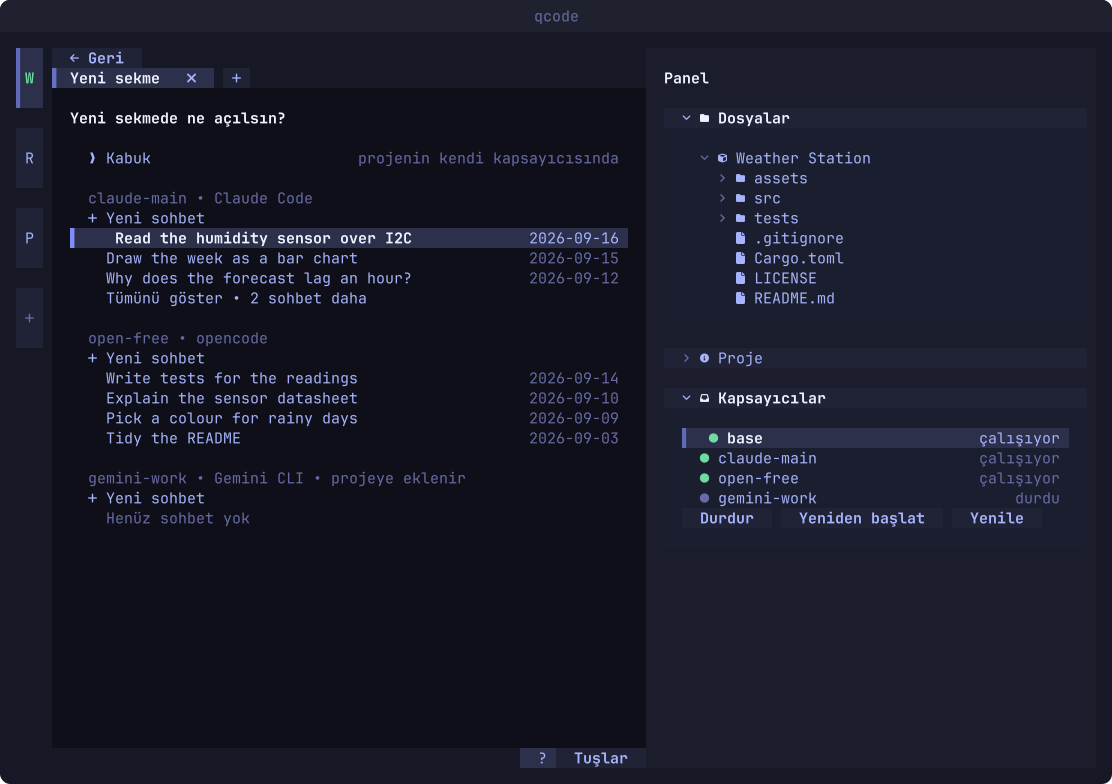
Every screen, keyboard and mouse alike.
Install
Quvyta's installer builds qcode from crates.io with cargo. It asks before every step and installs Rust with rustup if it is missing. It uses sudo only to install a missing C linker, and only when you answer yes in the terminal.
The program is installed as qcode and also as quvyta-code. On Windows, and for every other way in, see Install.
Linux and macOS
curl -fsSL https://raw.githubusercontent.com/quvyta/quvyta/main/install.sh | sh -s -- codeOr with cargo
cargo install quvyta-codeRequirements
- A container engine
Podman (rootless, no background service needed) or Docker with its daemon running. With neither installed, the first-run wizard offers to install one.
- An account, or a model server of your own
A subscription or an API key from the agent's makers, or, for Claude Code and opencode, a provider you added. opencode also runs on its free models without an account.
- Disk space and a network connection
For the first images: a Debian base with Node.js, and each profile's agent on top. A profile can be built on Arch Linux, Ubuntu or Alpine instead, and the wizard shows each one's size.
- Linux
qcode is developed and tested on Linux. macOS and Windows are written in but not yet tried.