Open-source terminal applications
Terminal applications, drawn with care.
Quvyta is an ecosystem of programs for the terminal, all built on one Rust framework. They share their themes, icons, languages, keys and mouse behaviour, and every shape on screen comes from colour, never from boxes drawn with characters.

Coding agents in containers
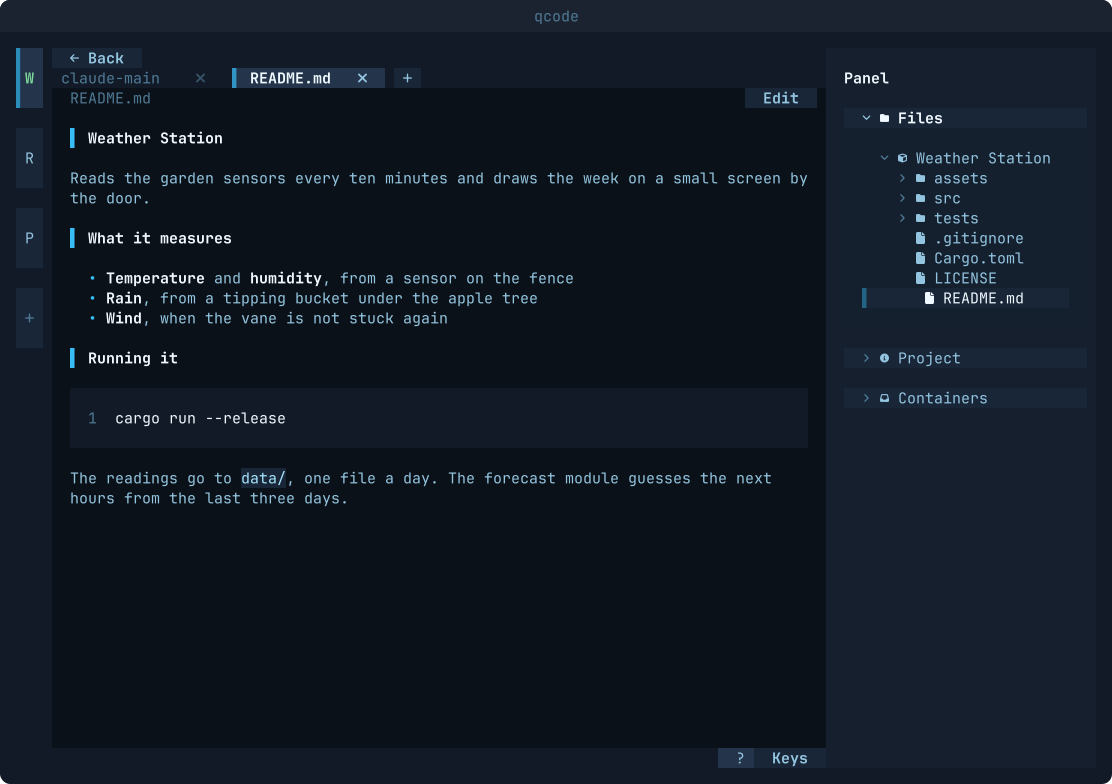
qcode quvyta-code
Set up an agent once, sign it in, and open it in any of your workspaces in a few seconds. You move between agents and shells the way you move between tabs, and nothing an agent runs ever runs on your machine itself.
- Claude Code
- opencode
- Gemini CLI
- Codex CLI
- Antigravity IDE
curl -fsSL https://raw.githubusercontent.com/quvyta/quvyta/main/install.sh | sh -s -- codeContinue where you stopped
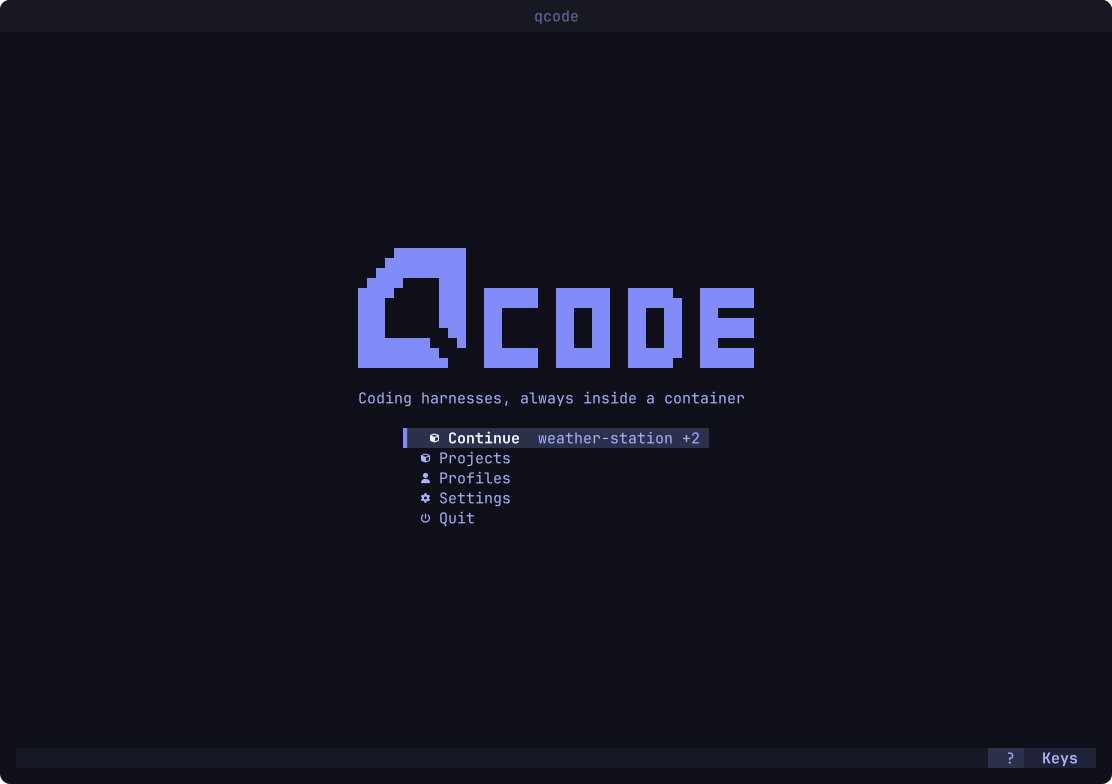
The home screen brings back the workspaces you had open, with their tabs, even after qcode was closed.
A tab for any agent
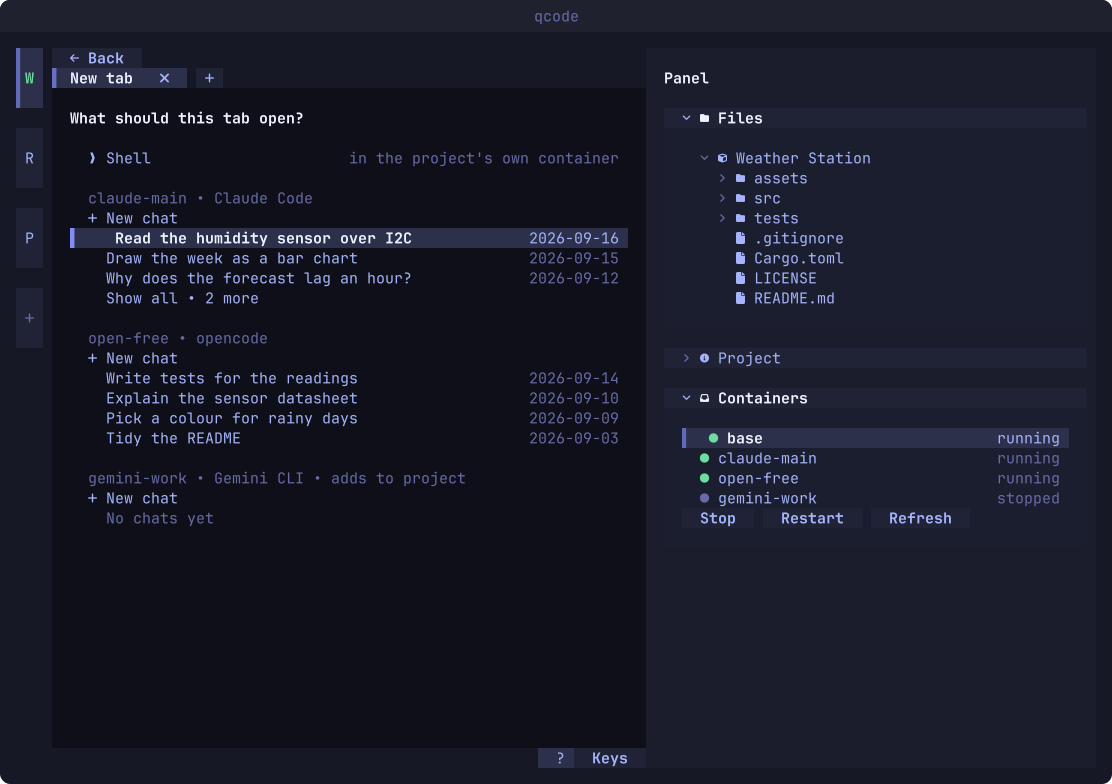
The
+after the last tab lists the workspace's shell and, for every profile, a new chat and its latest conversations in this workspace. Choosing one opens the agent where it left off.The workspace at a glance
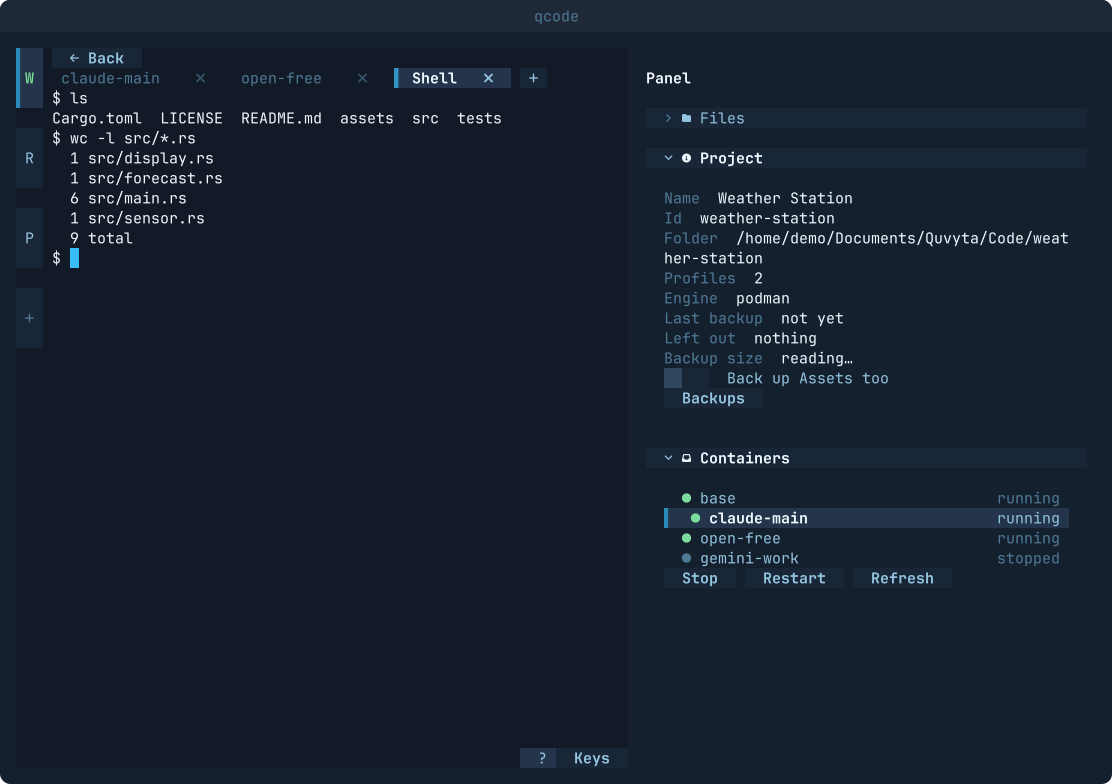
The side panel shows the workspace's details and its containers, which you can stop and restart from there. When the last qcode closes, the containers it started stop too.
A file manager in the tree
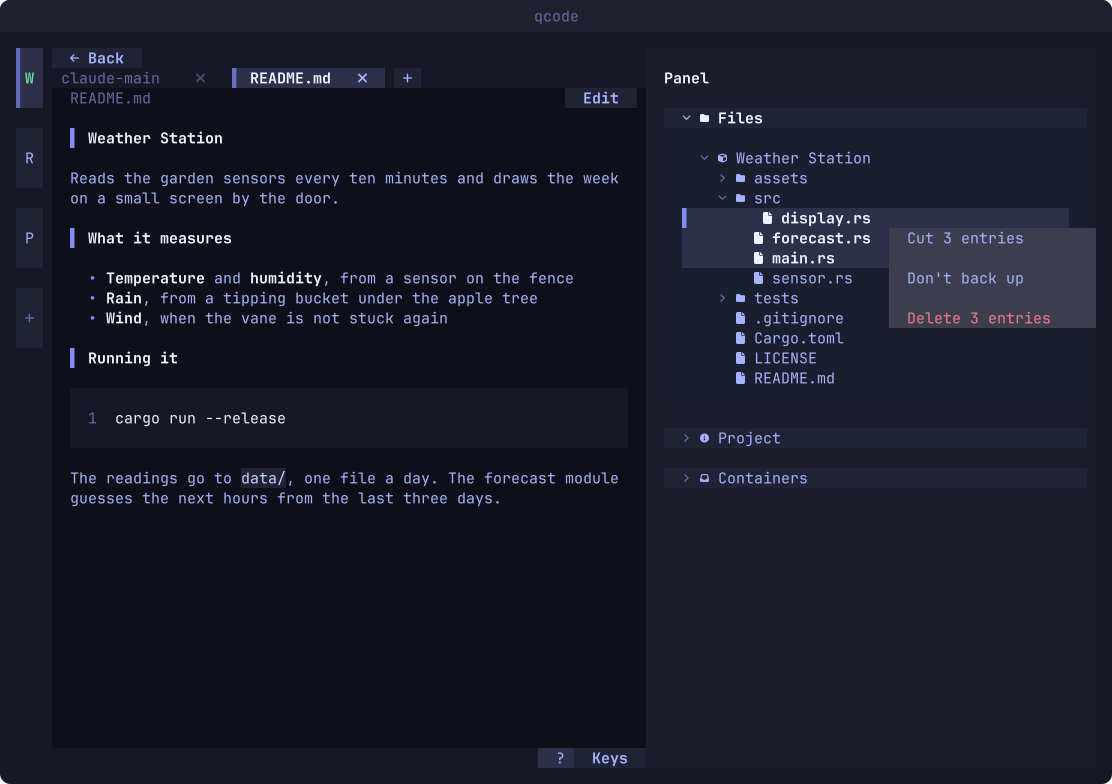
The file tree makes, renames, cuts, pastes, deletes and drags, on several entries at once, and follows the disk as files change.
Files open in tabs
Markdown is shown as a formatted page, text opens in nano or vim and pictures are drawn by chafa, inside the workspace's own container.
A Rust framework for terminal applications
qframe quvyta-framework
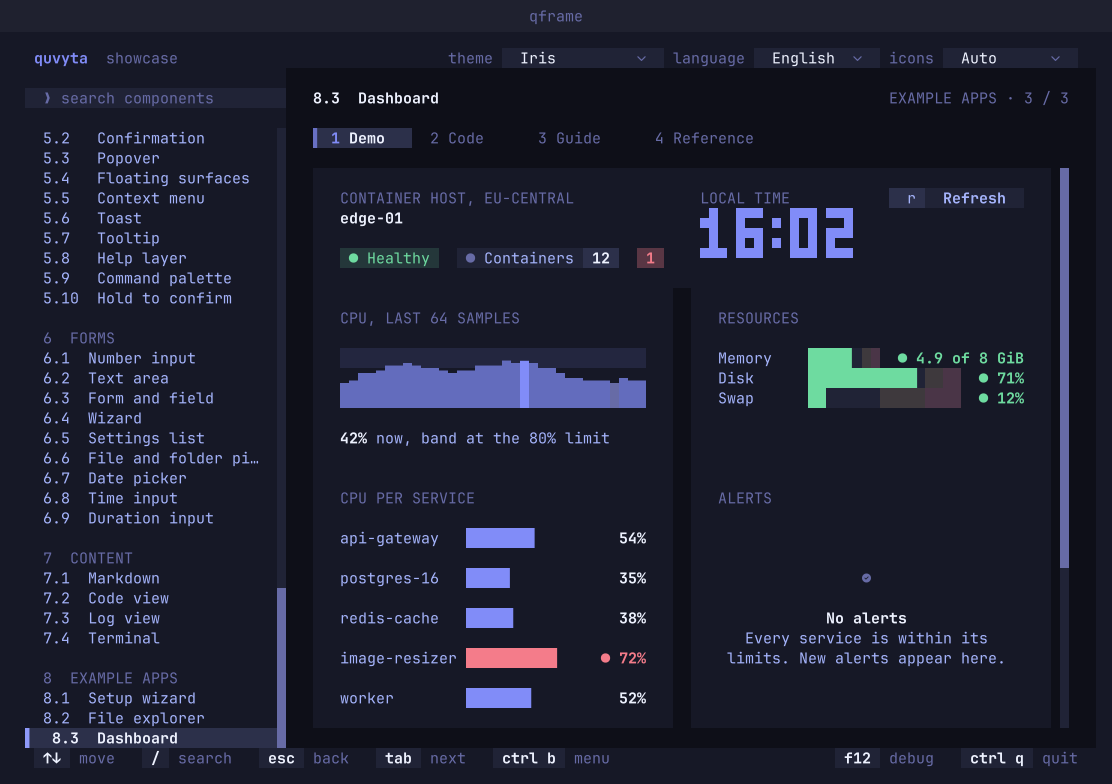
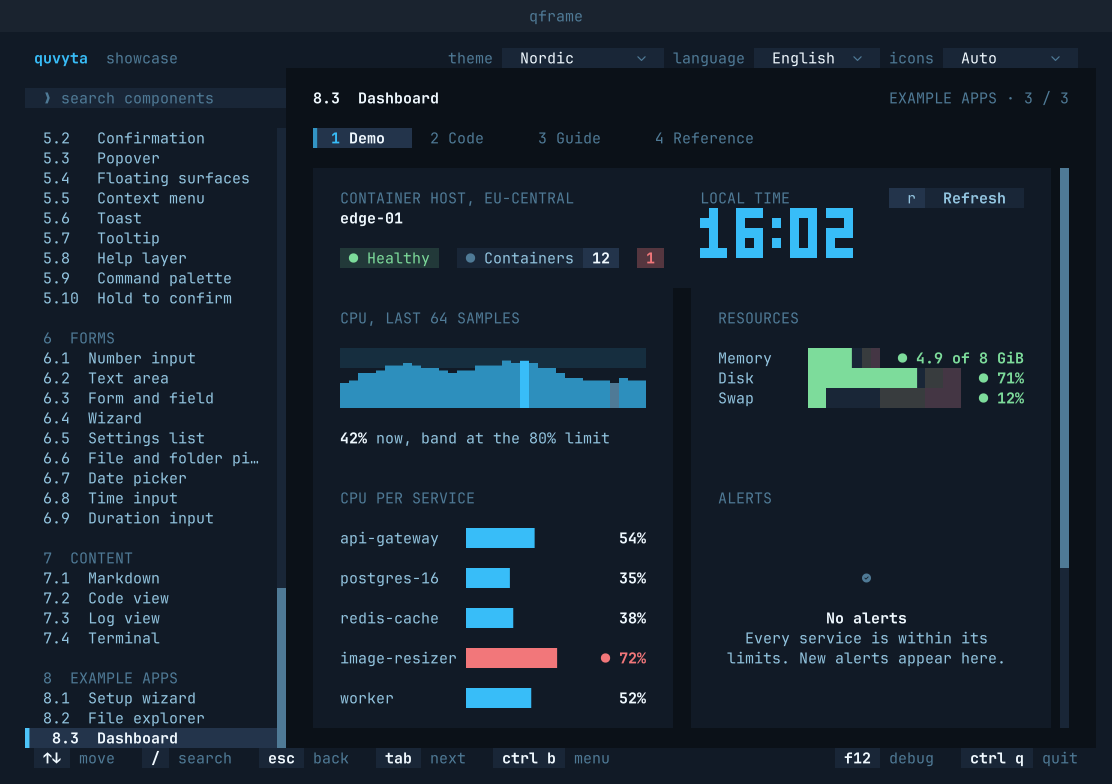
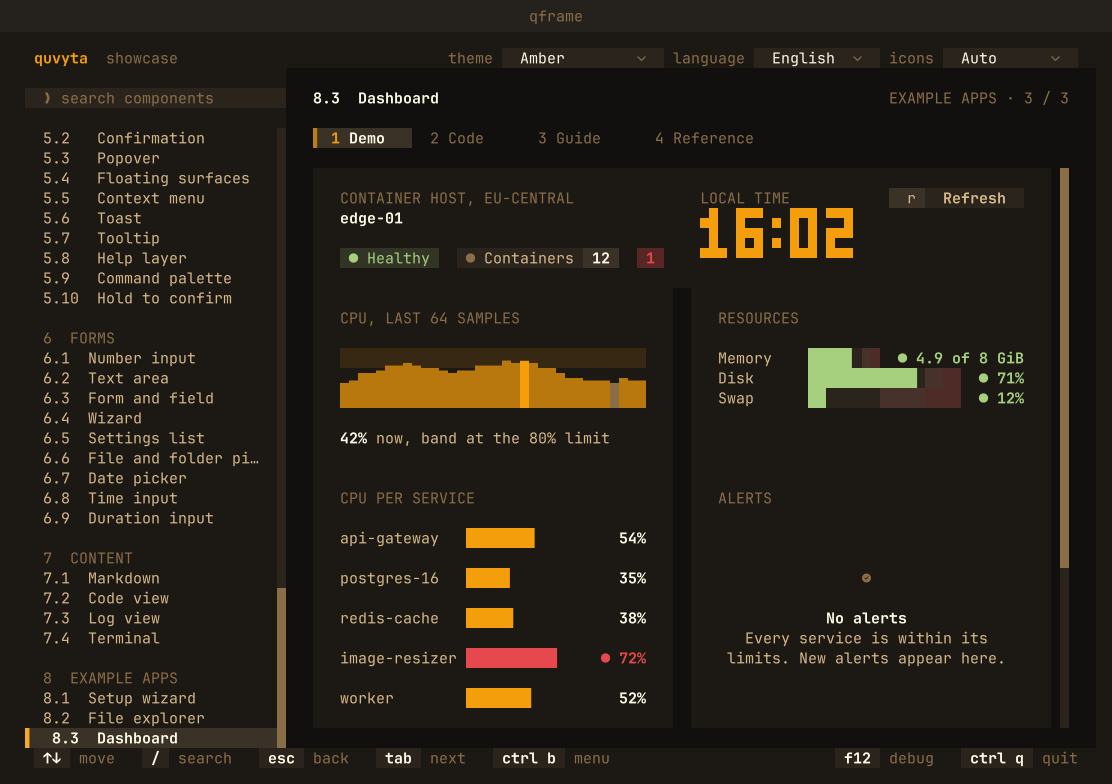
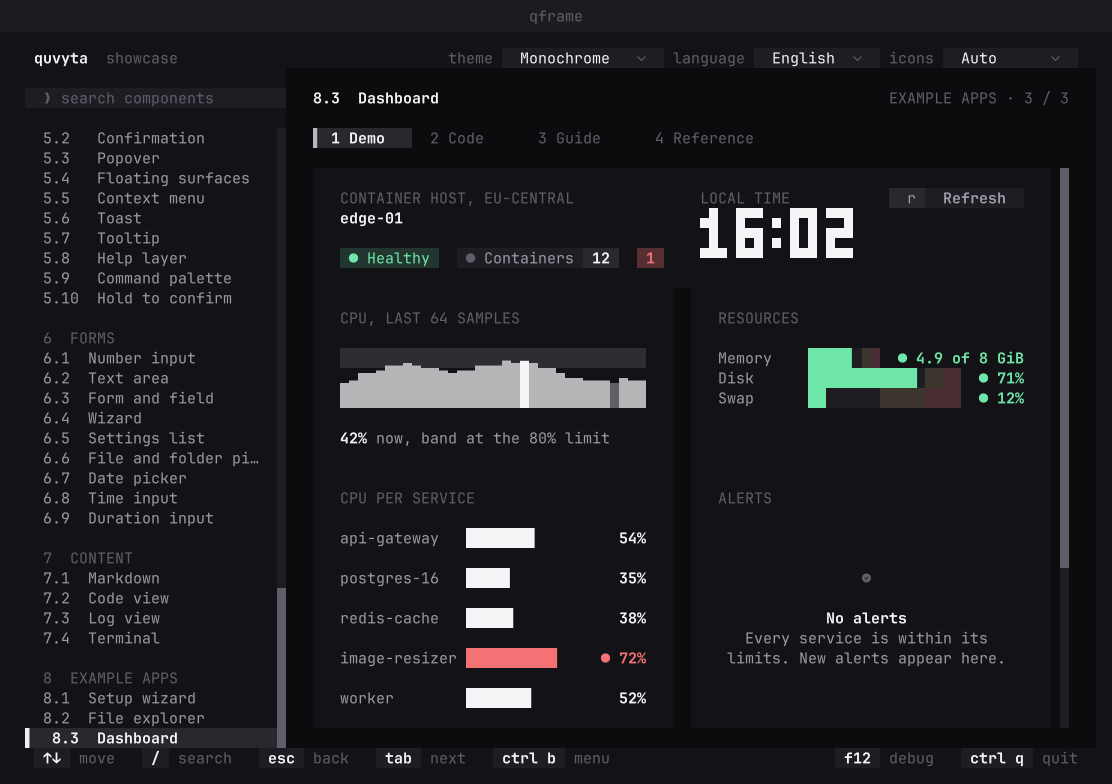
The runtime, widgets, themes, icons and language files every Quvyta program is made of, open for anyone building for the terminal. Pick a theme and the same components take its colours.
Add the library
cargo add quvyta-frameworkTry every component in the showcase
cargo install quvyta-framework-showcase && qframeThe rest of the ecosystem
The rest of the ecosystem, made the same way.
Each is a program of its own, with its own page. All of them look and behave alike, because all of them are built on the framework.
-
qfocus
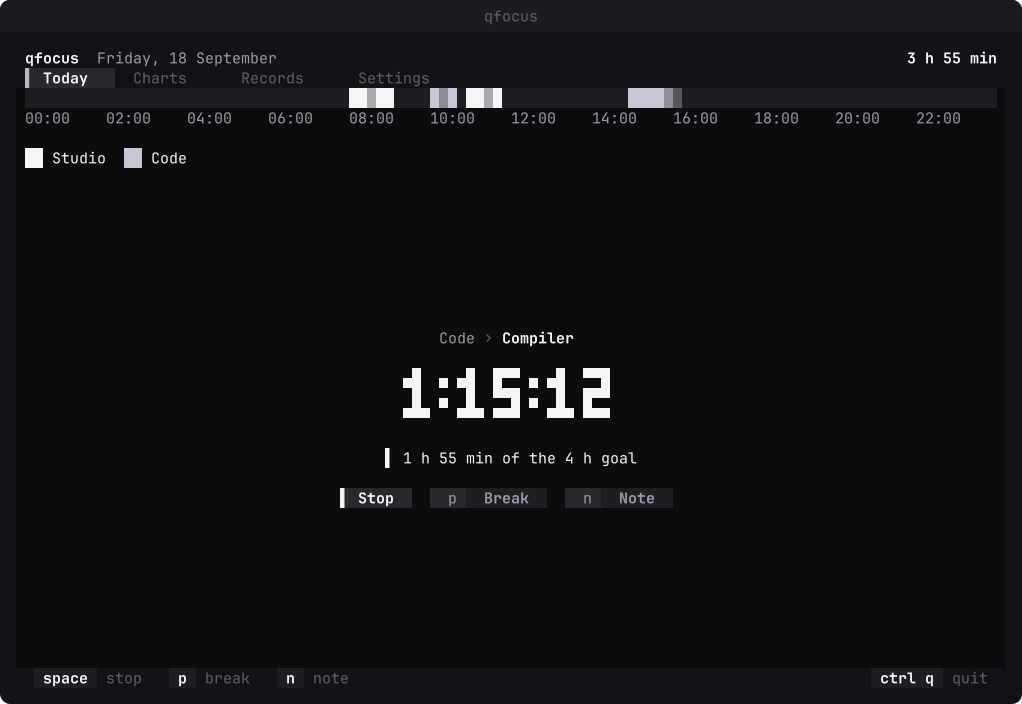
Tracks what you focus on. Start a counter on one of your focuses and see where your time went in day, week, month and year charts.
cargo install quvyta-focus -
qpac
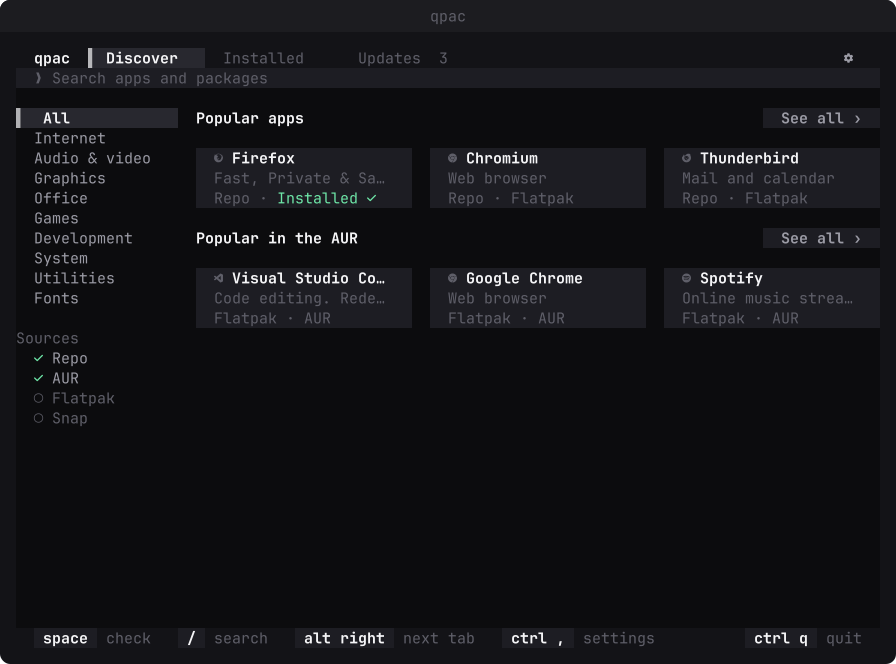
A package manager for Arch Linux that feels like an app store: one search across the repositories, the AUR and Flatpak, and every change shown before it happens.
cargo install quvyta-packages -
qtools
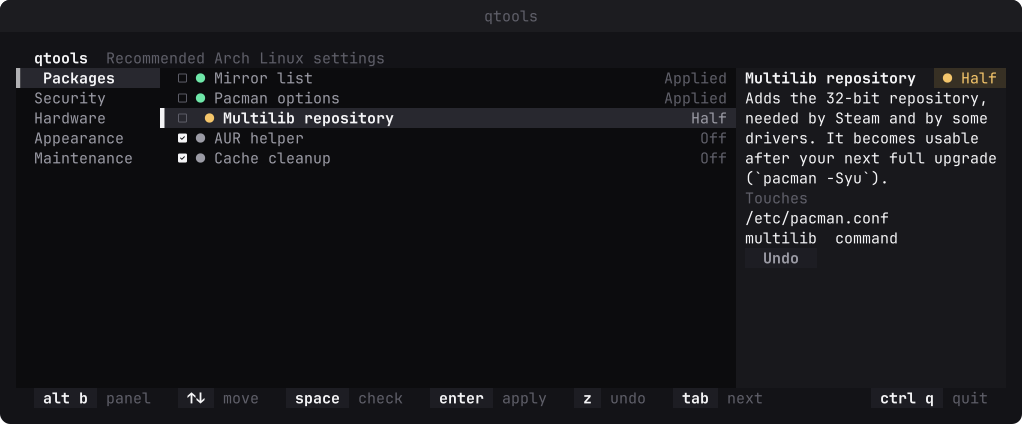
The settings Arch Linux users usually make by hand, from one list, each with a preview, a backup and an undo.
cargo install quvyta-tools -
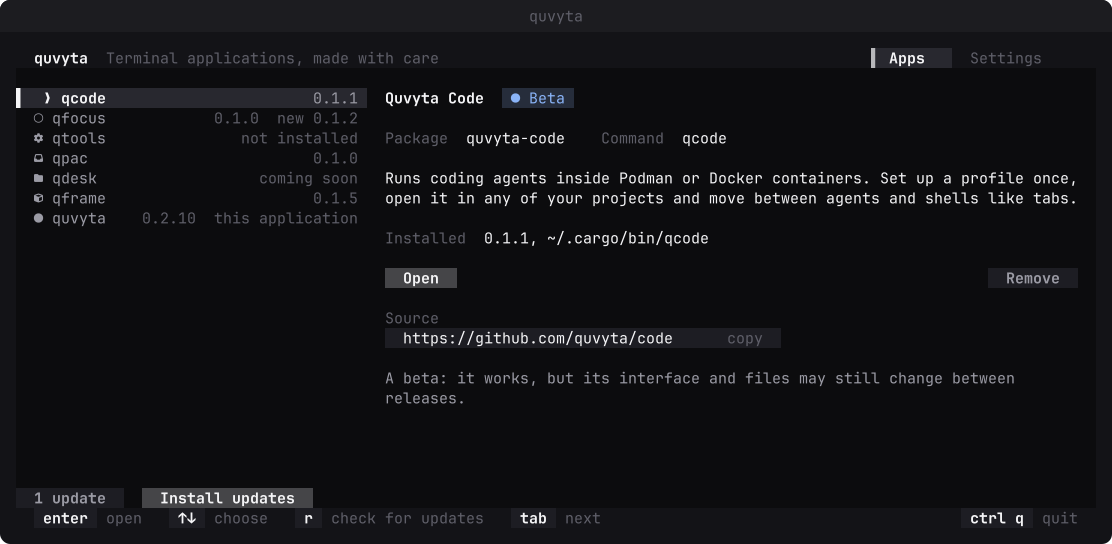
quvyta
Installs Quvyta apps, opens the ones you have and keeps them up to date, showing every cargo command before it runs.
cargo install quvyta
Nine languages
In your language, and in ours.
Every word on screen comes from a language file, not from the code. qframe, qcode, qfocus, qpac, qtools and quvyta speak all nine, and so does this site.
How they are made
One look, one set of keys, in every app.
- Shape from colour
Buttons, tabs and panels are tones and spacing. No brackets, no boxes drawn with lines; a half-cell bar marks what is selected.
- Mouse and keyboard are equal
Everything the keyboard can do, the mouse can do too, and both answer as soon as they touch something.
- Three kinds of glyphs
Every screen is designed for Nerd Font, plain Unicode and ASCII terminals alike.
- Your language
Every word on screen lives in a language file, and the language, theme and icon set you pick in quvyta hold in every Quvyta app.